

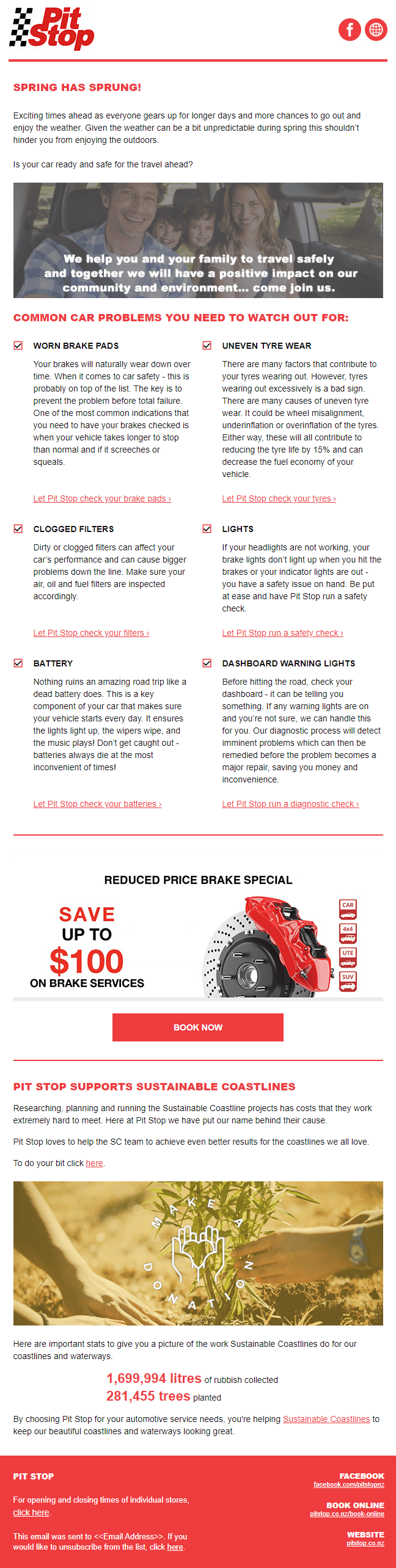
You’ve probably seen the term “e newsletter” while Googling how to promote your business online. Maybe you’ve heard it called an email newsletter, EDM, or even a regular email update. Whatever the label, the idea is the same:
An e-newsletter is a regular email sent to your audience that builds relationships, shares valuable updates, and keeps your business top of mind.
Despite the rise of social media and flashy marketing tools, e-newsletters remain one of the most effective and cost-efficient ways to communicate with your customers — especially in New Zealand, where inboxes are still a highly trusted place for business.
What Do People Call Them Now?
You might hear people talk about:
- EDMs (Electronic Direct Mail)
- Email campaigns
- Email blasts (a bit outdated)
- Or just “the newsletter.”
At Spike, we prefer email newsletters or email campaigns because they suggest something valuable, regular, and worth opening.




How AI is Changing the Way E-Newsletters are Written

AI tools (like ChatGPT 👋) are making it easier than ever to write newsletters.
With the right inputs, AI can:
- Generate subject lines that boost open rates
- Draft content based on your website or past blogs
- Repurpose articles into shorter updates
- Personalise content at scale
But here’s the catch: AI still needs direction. It’s powerful but not perfect. That’s why combining AI with a proven strategy (and human oversight) is still the winning combo.
Why Mailchimp is the Best Platform for Sending E-Newsletters

Mailchimp is the #1 platform we recommend — not just because we’re certified partners.
Here’s why we love it:
- Easy drag-and-drop editor (no coding required)
- Smart recommendations powered by AI
- Built-in list management and segmentation
- Beautiful templates
- Reliable deliverability
Whether you’re sending your first newsletter or running a whole marketing campaign, Mailchimp makes it simple.
How to Get Started with E-Newsletters

Here’s a basic starter checklist:
- Decide to do it – Commit to showing up regularly in inboxes.
- Get your contacts together – Export your customer list from Xero, Shopify, or your CRM as a .csv file.
- Create your Mailchimp account – Sign up here.
- Set up your audience – How to create an audience in Mailchimp
- Upload your contacts – Import contacts into Mailchimp
Tip: Start with one newsletter a month. Consistency is more important than perfection.
Why E-Newsletters Are Great for Long Sales Cycles
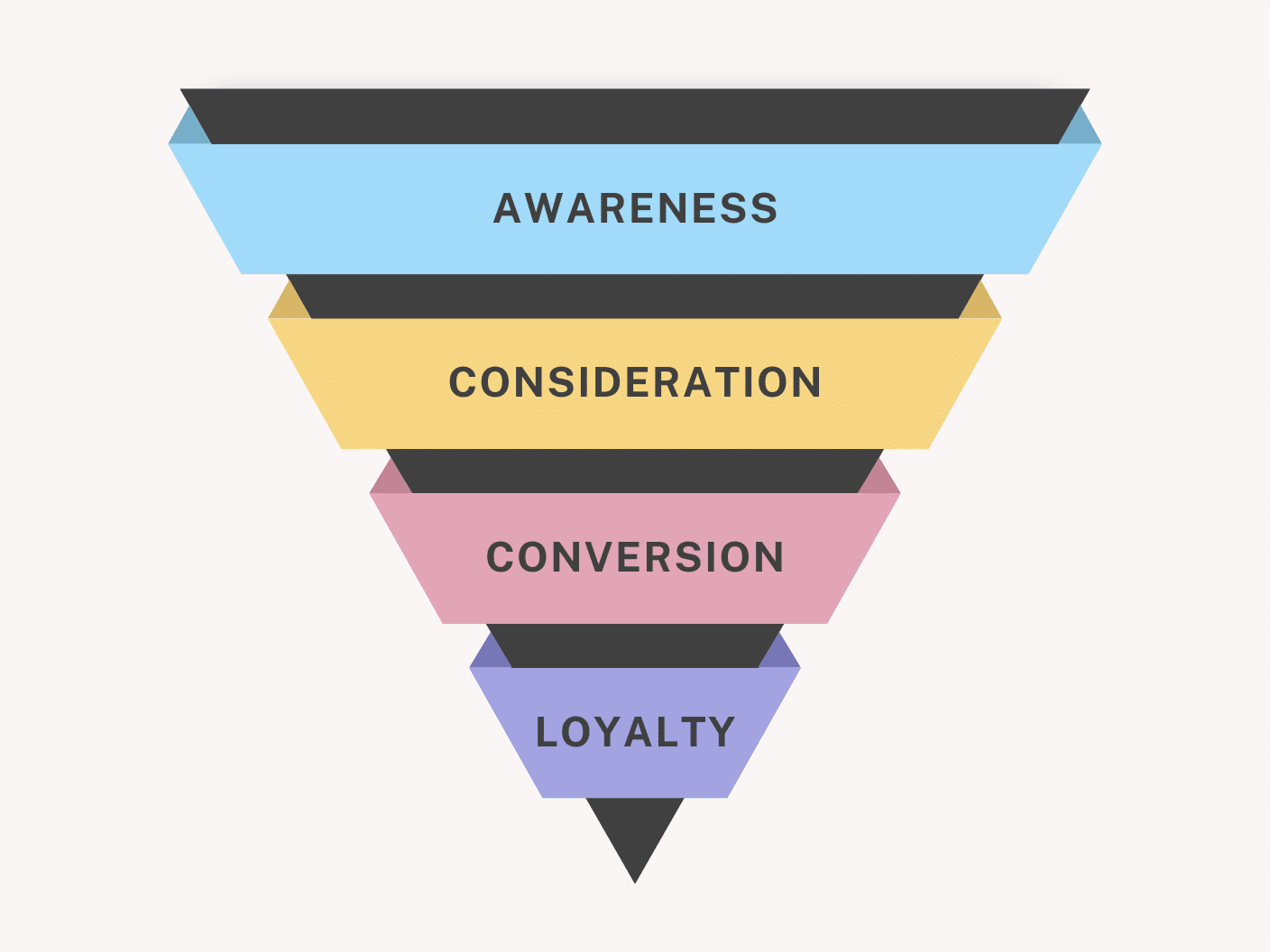
Not every customer is ready to buy today. E-newsletters help you:
- Stay top of mind while they’re still deciding
- Educate them over time (building trust)
- Position your business as the obvious choice when the time comes
They’re also perfect if:
- You’re in professional services (accountants, consultants, tradies)
- You have high-value products with longer lead times
- You want repeat business from existing customers
Why We Created Mailchimp Fast Start

Many business owners we talk to know they should be emailing their customers — but they don’t know where to begin.
That’s why we created Mailchimp Fast Start.
We:
- Set up your Mailchimp account for you
- Upload your list
- Create your first branded e-newsletter
- Help you hit send — in less than 5 days
No fluff. Just results.
Want to start sending e-newsletters and actually get responses?
Book a Free Email Audit if you are already sending emails or let’s get your Mailchimp Fast Start moving.
Final Thought
If you’ve been Googling “e newsletters” hoping for a simple answer — here it is:
- They still work.
- Mailchimp makes it easy.
- Spike gets you sending, fast.
